
Video consultations for patients
You have an appointment, or you are looking for someone to advise you by video? Here is how it works, what you need, what it costs and what happens to your data.
How to join your appointment
You receive a personal invitation link by e-mail. Click it at the agreed time — that is all it takes. As long as the link is addressed to you personally, you need neither an app nor a user account.
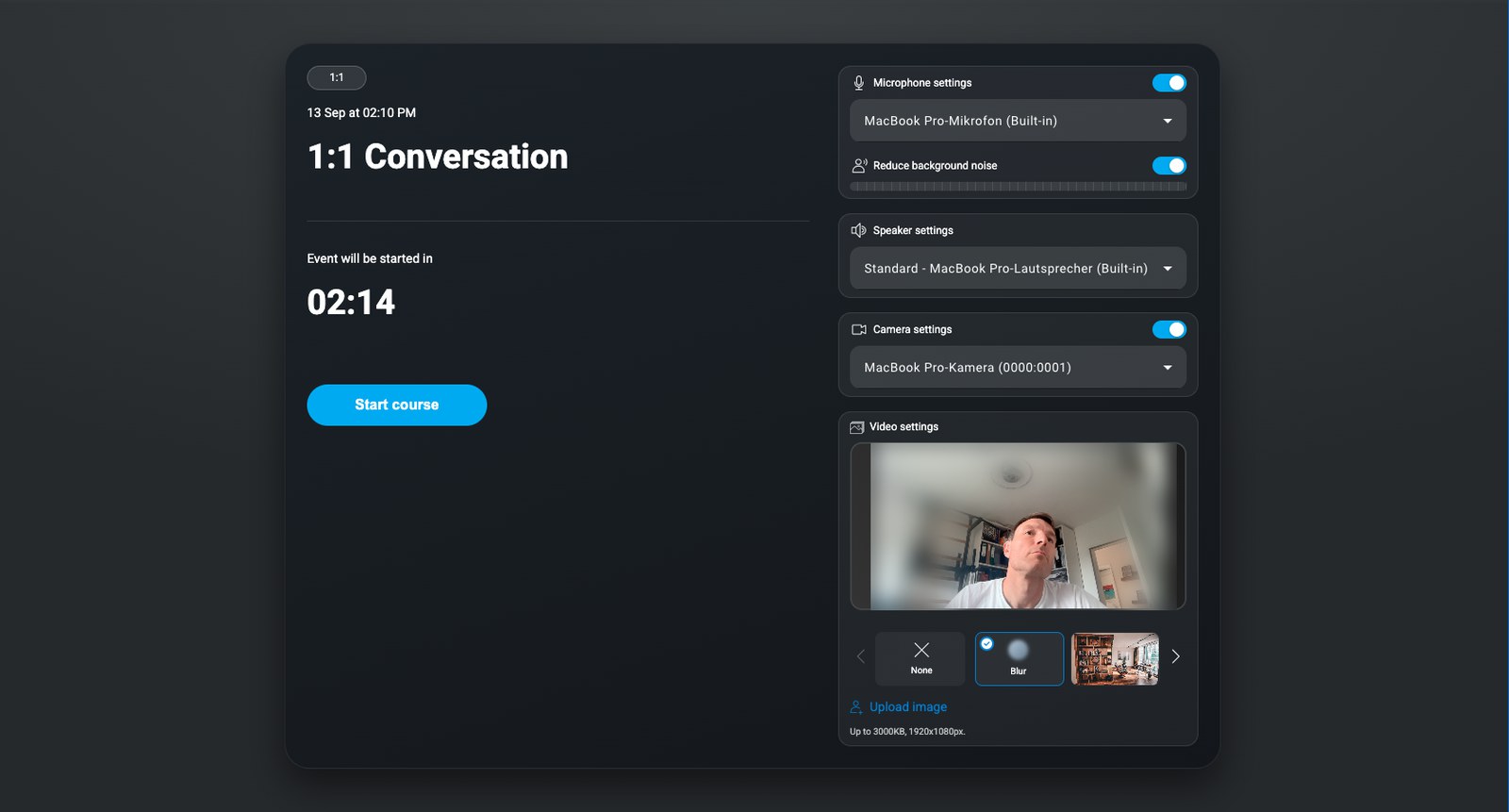
Your browser will then ask whether the page may use your camera and microphone. Allow it. Without that permission you will not see or hear the other person.
It is best to check the day before that your device is ready: the system test checks camera, microphone, speakers and connection in about a minute.
What you need
- A smartphone, tablet, laptop or PC with camera, microphone and speakers
- An internet connection — DSL, cable, Wi-Fi or LTE/5G is enough
- An up-to-date browser: Chrome, Firefox or Edge; on iPhone and iPad please use Safari
There is nothing to install. Headphones or a headset noticeably improve the sound and prevent echo. Very old smartphones — more than about five years old — often no longer handle the video smoothly.
Finding someone and booking an appointment
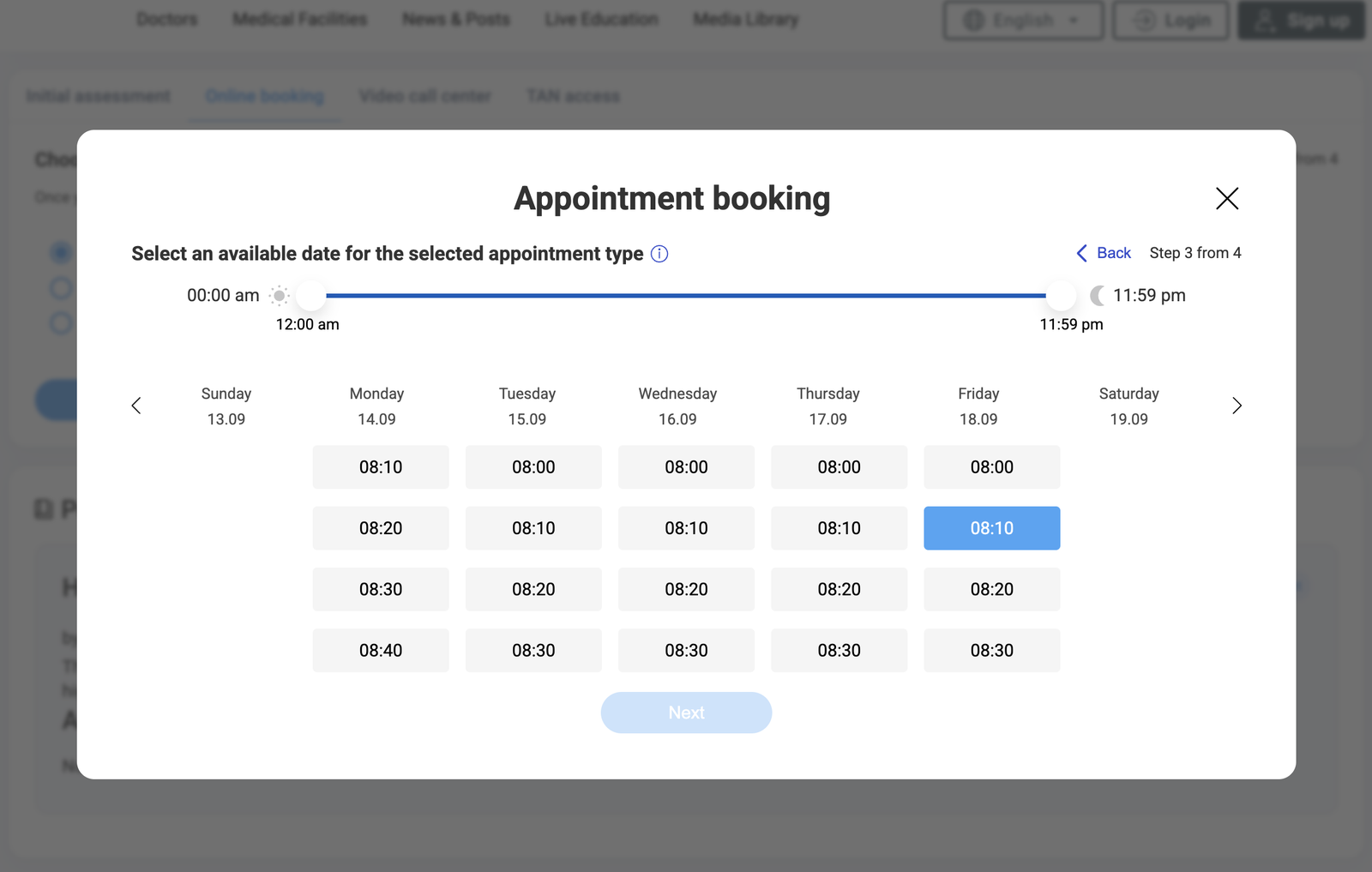
The search lets you find doctors and therapists by specialty. Their profile shows which kinds of consultation they offer. From there you send an appointment request, or book a free slot directly if the practice has enabled self-booking.
MEDITyme is open to everyone — statutorily insured, privately insured or self-paying.
What it costs
Creating an account is free. If your video consultation is covered by statutory health insurance, the practice bills your insurer as usual and there is nothing for you to pay.
For chargeable consultations you see the price before you book — it is shown on the appointment type itself. No further charges are added for you. Payment is taken directly after the call, by credit card, SOFORT or Giropay.
What happens to your data
Your data is processed exclusively in data centres in Germany; there is no transfer to third countries. The video transmission is encrypted in transit. Data from video consultations is anonymised automatically after three months.
Only people who were invited take part in the call. Practice staff with calendar access can see the appointment, but not the video consultation itself.
The detail is on the Security and data protection page and in the privacy policy.
If something does not work
No picture or no sound? Reload the page using the circular arrow at the top left of the call window and allow access to camera and microphone when the browser asks.
If that does not help, switch browsers — you can do this mid-call: copy the call link, close the window without hanging up, and paste the link into another browser. You will return to the call in progress.
Further help is on the Technology and troubleshooting page. You can reach us at support@medityme.com.
Common questions
Will I get a sick note or a prescription?
That is for the treating doctor to decide after the consultation — exactly as in the practice. Ask them directly.
Can I cancel an appointment?
You can withdraw appointment requests at any time in your account. For an appointment that has already been confirmed, please let the practice know.
I have forgotten my password.
Click "Forgot password" on the sign-in screen and follow the instructions in the e-mail you receive.
Do I need to sign in to join an appointment?
Not if you have received a personal invitation link. For your own appointment requests and an overview of your appointments you need a free account.